Recap: Atlassian Finance User Forum – Autumn 2026


Agents, Outlook and a migration weekend: The Atlassian Finance User Forum in review
Two and a half hours, three talks, a standing lunch and so much to talk about that time almost ran out. At the Atlassian Finance User Forum, our customer event for everyone in the financial sector, the focus was on the big announcements from Atlassian Team ’26 Europe, on why Jira often doesn’t know what has long been decided in Teams and Outlook, and on a cloud migration from the financial sector that went exactly the way you’d hope.
Missed it? No problem, here’s the short version. (Unfortunately, we can’t deliver the standing lunch after the fact.)
Topics at a glance:
- What Atlassian announced at Team ’26 Europe on governance, agents and Atlassian Rovo
- How Microsoft 365 for Jira brings Teams, Outlook and Jira together
- How a financial institution migrated Jira and Confluence to the cloud, and why the Monday after was so relaxed

Recap Team ’26 Europe: From personal AI to team AI
Salah Sheikh, Senior Solution Engineer, opened with an uncomfortable figure from the State of Teams 2026: only 6% of organisations see company-wide ROI from their AI initiatives, while 87% are stuck in pure execution mode. Most AI tools make individuals faster – the team gets left behind.
Atlassian’s answer can be summed up in three steps: establish governance, connect context, orchestrate work. The highlights:
- Governance for data and agents: Data Loss Prevention with automatic classification and redaction, Chat Security that checks prompts and responses and, as the newest addition, Non-Human Identities: agents get their own accounts, guardrails and evaluations. Access can be tracked and revoked. With “Units”, apps, users and data can be structured within an organisation.
- EU AI Inference: LLM processing and application data stay in the EU. For regulated industries in Switzerland, this is an important signal when it comes to using Atlassian Rovo, Atlassian’s AI assistant.
- Teamwork Graph and Connectors: More than 80 connectors, plus MCP and CLI. Context grows with every connected system, making Rovo more accurate.
- Rovo Work (Open Beta): Rovo works in an isolated sandbox, discovers APIs and data sources, writes and runs code, corrects itself when errors occur and publishes the result as a page, whiteboard or report.
- Sovereignty and deployment options: In addition to the commercial cloud, Government Cloud (FedRAMP Moderate) and Isolated Cloud are already available. On the roadmap are DoD Impact Level 5 (2028) and FedRAMP High (2029); an air-gapped version is planned and a Sovereign Cloud is being evaluated. This shows that Atlassian takes sovereignty seriously. For now, however, the concrete offerings are aimed at US government agencies – there is no Swiss solution (yet).
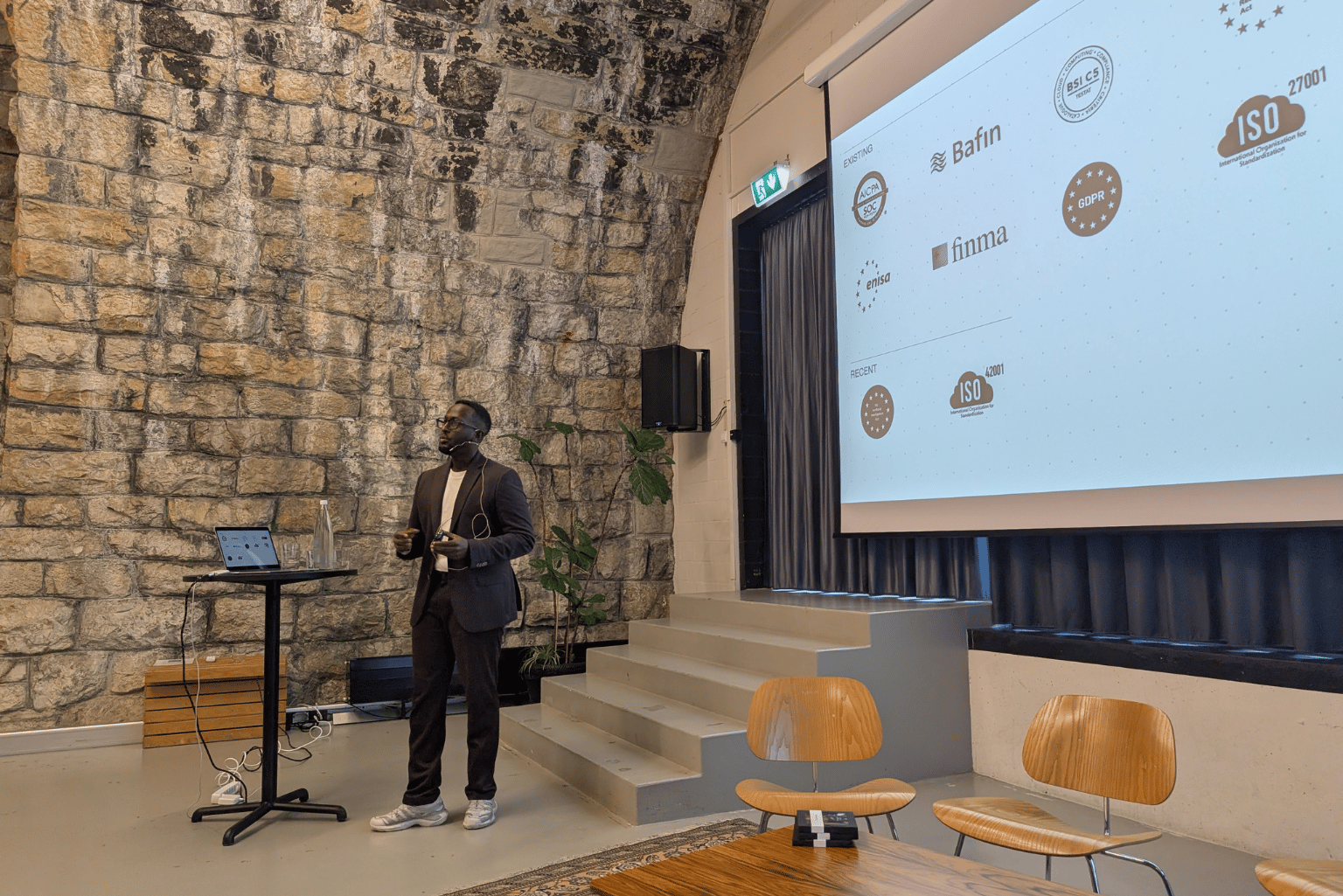
- Governance that grows with you: Atlassian is expanding its guardrails in four areas: Sovereignty & Compliance, Data Governance, AI & Agent Governance and Business Resilience. The foundation has been laid step by step since 2020 – from ISO 27001 and SOC 2 to Data Residency (now also for Germany and 11 other regions), support for EBA, BaFin and HIPAA requirements, and BYOK encryption.
Our take: The AI features are exciting, but the real lever is governance. If you don’t know today which data is stored where and who has access to what, agents won’t make you any happier.
yasoon: “Work moves forward. Jira doesn’t.”
Sound familiar? You open a Jira ticket, the description is thin, the last comment reads “Details discussed in the team meeting” and the due date is long past. The actual work did happen: in the Teams chat, in the Outlook meeting, in the email from the customer. Just not where anyone can trace it.
With Microsoft 365 for Jira, yasoon showed how to close this gap – without anyone copying content over by hand:
- Teams chats directly on the work item: Discussions take place in Teams but are visible in the ticket. Status changes appear automatically in the chat, and new work items can be created right from the chat.
- Weekly summary in one click: Decisions, progress and open points are summarised and added to the ticket as a comment via “Submit to Jira”.
- Outlook emails and meetings in context: Emails can be linked to tickets or captured as new tickets directly from Outlook, and meetings can be scheduled straight from Jira.
- Jira boards in Teams: Stakeholders see the status where they already work.
- Cross-tool automation: Triggers such as “Teams chat created” or “Email sent” can be used in automation rules.
The link to AI was particularly interesting: Rovo Skills can use the linked Microsoft 365 context, for example to summarise progress and decisions from Teams. The key message: better context beats more context – not least because, with usage-based billing, every unnecessary token costs money.
Good to know for admins: The setup is clearly split between the Jira admin (install the app, enable features) and the Microsoft 365 admin (grant consent, roll out the Outlook and Teams add-ins). The app is available for Data Center and Cloud.

Case study: A financial institution moves to Enterprise Cloud
To close, things got concrete. A customer from the financial sector, whom we at Swarmit supported during their migration, shared their experience first-hand. Starting point: Jira, Confluence and Bitbucket on-premises. Jira and Confluence are now in the Atlassian Cloud; Bitbucket remains on-premises for the time being.
The road there
Around 14 months passed between the start of the cloud assessments in August 2025 and go-live in early October 2026. Typical for the industry: the go decision was made in two stages – first without CID (Client Identifying Data, i.e. data that identifies customers), and a few months later including it. In between came test migrations and negotiations.
The approach
Anyone who attended the spring edition of the forum will have recognised a lot: back then, we presented our approach to cloud migrations. Seeing a customer put exactly these recommendations into practice – and seeing how well it works – is especially rewarding for us. The customer proceeded in four stages, starting with selected areas and projects, then moving on to the full migration:
- Structure and connectivity: From Data Center to Cloud, initial setup. Pitfalls: network clearances and settings reviews.
- Standards and workflows: Apps, first use cases, permissions. Pitfalls: trial licences, replacing DC apps and a separate migration path for apps.
- Use cases: Functions, automations, toolchains. The task here: review automations, filters and boards.
- Acceptance testing (full migration): End-to-end tests, configurations, dependencies. Sticking points: custom fields and missing functionality.
Dress rehearsal and go-live
The fifth test migration served as a dress rehearsal for the process and its duration – without any significant issues. Based on this, the corrections for automations, field contexts, filters and other configurations were documented, the last bugs fixed and the go-live prepared.
One point was particularly emphasised: write the script. Every step, every correction and every post-migration task is recorded in advance. Then, on migration weekend, all you have to do is tick off the to-do list. What a great feeling.
The migration took place during Atlassian’s scheduled maintenance window, which shortened the overall lead time. Thanks to well-prepared post-migration tasks, the most important areas were already available on migration weekend. The biggest problem on the Monday after? The new UI. If that’s your biggest worry after a migration, you’ve done a lot right.
What we take away
Every project makes us better. This customer’s experience – from network clearances to the question of when which data may move to the cloud – feeds directly into our next migrations. And to the “Many thanks to Swarmit for the great support” on the last slide, we say: thank you too! A migration only succeeds when both sides pull together, and that worked brilliantly here.
Thank you and see you next time
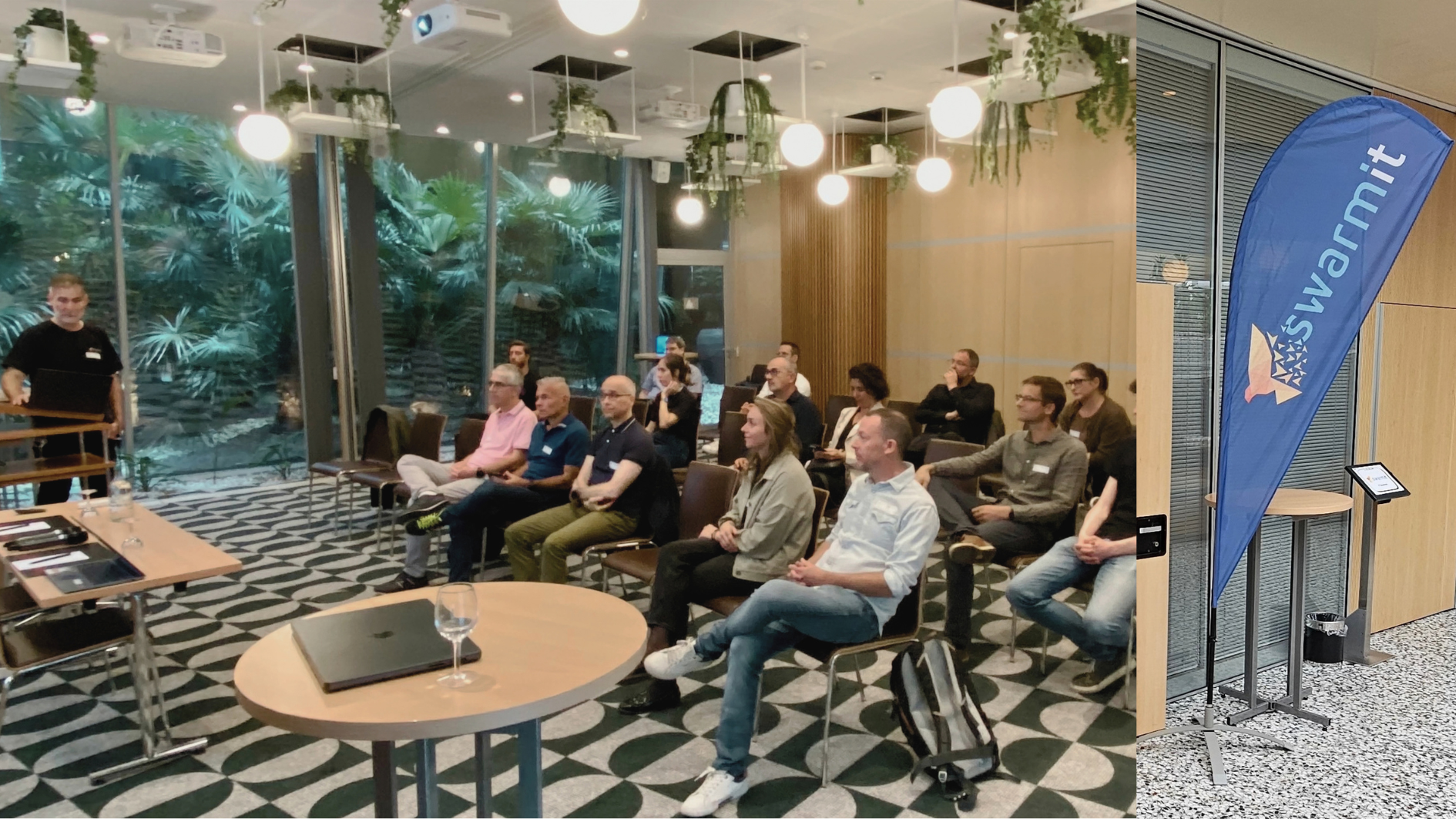
The best part of the Finance User Forum is rarely on the slides: the discussions over the standing lunch afterwards. There were plenty of them, and it’s exactly this exchange that makes the event.
A big thank you to everyone who helped organise it, to the speakers for their time and openness – especially our customer, who shared their migration so transparently – and to everyone who kept their lunch break free.
We’re already looking forward to the next edition in spring. If you missed it this time, sign up to be notified as soon as the date and registration are confirmed. You can read the slides afterwards, but not the discussions.
Planning a migration to the Atlassian Cloud or looking to connect Microsoft 365 and Jira more effectively? Get in touch – we’re happy to share what we’ve learned from our projects.
In brief
What is the Atlassian Finance User Forum?
A customer event by Swarmit, Atlassian Platinum Solution Partner in Switzerland, for organisations in the financial sector. The programme includes news from Atlassian, partner solutions and real-world reports from projects.
How do you prepare a migration of Jira and Confluence to the cloud?
Ideally in stages: first structure and connectivity, then standards, apps and permissions, followed by use cases and acceptance testing. Several test migrations and a well-documented script keep the migration weekend predictable.
How do financial institutions handle customer data during a cloud migration?
That depends on internal requirements and the risk assessment. In the case presented, the decision was made in two stages: first a migration without CID, later including it. Options such as Data Residency and EU AI Inference help with this assessment.


.jpeg)
.webp)


