Infometis Software Automation & AI Day 2026



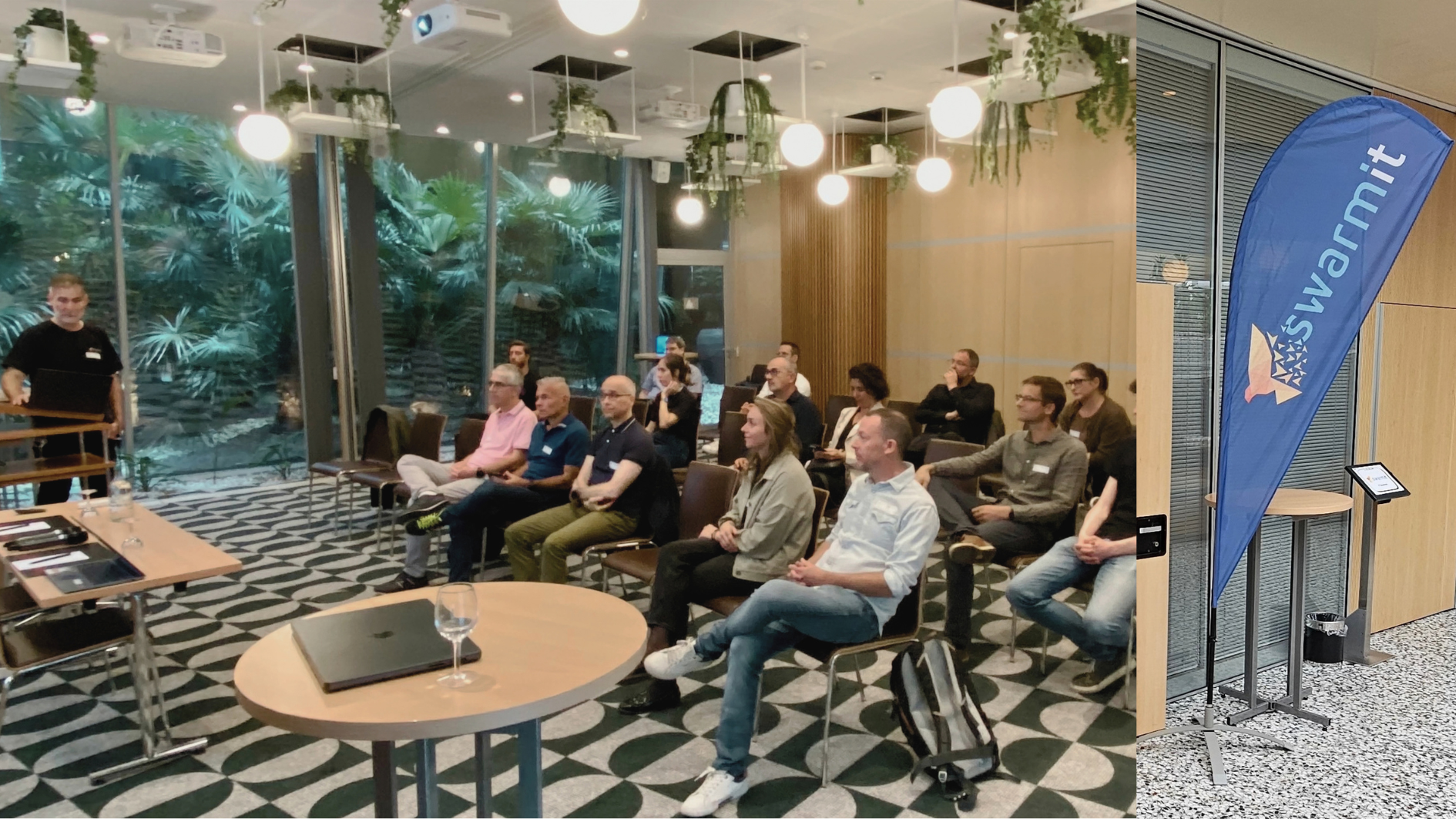
Recap of our Rovo demo at Automation & AI Day
After our presentation at AI Automation Day, most questions were about a topic that didn't appear in the demo at all: Where do the ticket data go when Rovo reads them? That says a lot about the audience. People who work in a bank, an insurance company or the public administration ask about the data first and only then about the benefit. That order is correct. Here we summarize what we showed, what we take away from it and how the answers to the key questions look.
What we showed
New tickets in Jira Service Management first land in the "AI Triage" status. A Rovo agent reads the description and sets structured fields: Impact, Urgency, Category, affected application and a confidence score from 0 to 100. After that a Jira automation takes over the routing. From a score of 70 the ticket goes directly into the appropriate team queue; below that it remains for manual review.
The division of work is deliberately chosen. Rovo takes care of the semantic classification, the automation handles deterministic routing. This keeps it traceable why a ticket ended up where it did: The agent's justification appears as a comment in the ticket.
What we take away
- Classification works when the text provides the evidence. In the clear case—Oracle CRM hasn't loaded customer records since this morning and the entire sales team is affected—the agent set every field correctly and quoted the matching text passages as justification. That is the real added value: the AI recognizes relationships in free text that are hard to capture with rules.
- The confidence score is the weakest link. In our test runs the score was almost always between 85 and 95. A score that the model outputs about itself remains a self-assessment. It is a useful signal, but it is not sufficient as the sole basis for routing.
- That's why we measure the correction rate. The AI Correction Rate shows how often service desk staff subsequently change a field set by the AI. It measures afterward what the score only claimed beforehand. For us it is the most important metric of such a setup, followed by Time-to-Assignment and Reassignment Rate.
Questions from the audience
Where are the data processed?
Rovo exists exclusively in Atlassian Cloud. Rovo data can currently be pinned to the same region as the Jira or Confluence data, in a Swiss instance therefore Zurich. Data residency governs the storage location. Which third parties are involved in processing the requests is shown by Atlassian's sub-processor list. For regulated organizations this comparison is part of the preliminary assessment.
Do the AI providers train on our tickets?
For external language models the answer is no. Atlassian states that customer data is never shared with third parties to train or improve their models and that these partners operate under zero-data-retention agreements.
It looks different for Atlassian itself, and this point is new. Since August 17, 2026 Atlassian has been using metadata and in-app data to improve apps and AI features for all customers, governed by new settings for Data Contribution. The default values depend on the plan. For Premium, metadata are enabled by default and in-app data are disabled, and only organizations with an Enterprise plan can turn off participation in metadata. Exempt are organizations with HIPAA requirements as well as certain government agencies and financial service providers. Our recommendation: Check the setting under Atlassian Administration › Security › Data contribution now and document the decision.
Is it traceable what the AI decided?
At the ticket level, yes: In our setup the agent writes every classification with score and justification as a comment into the ticket. In addition the Atlassian Audit Log records Rovo actions. Rovo Admin Insights shows only aggregated usage numbers; individual prompts remain private. Anyone who wants to review the AI's decisions therefore needs the logging in the process itself.
And if we operate on Data Center?
Then Rovo is not available in your own operation. Rovo Connectors can synchronize data from Data Center into the cloud knowledge base. That merely shifts the data protection question instead of solving it, and should be examined accordingly.
When AI Triage pays off
AI Triage delivers the most where many tickets arrive as free text and manual assignment noticeably costs time. For few, highly structured tickets well-maintained forms and rules do the same more cheaply. Anyone considering deployment should clarify data protection questions before the first prompt.
That's exactly where we can help: from the initial assessment of data residency and data contribution to setting up the Rovo agent and measuring the AI correction rate in day-to-day operations. Brian Trepto, who presented the demo, is happy to answer your questions directly: Get in touch
You can download the full presentation with all demo slides here: Download the presentation



.webp)


